15 Resume Mistakes That Could Cost You the Job (And How to Avoid Them)
Your resume is often the first impression you make on an employer.
Stay connected
Add us as a trusted source on Google
Get our latest guides, updates, and helpful resources surfaced more often when you search and browse.
You might have the right skills and experience, but even small resume mistakes can prevent you from getting an interview. Recruiters often spend only a few seconds reviewing each resume, so every detail matters.
The good news is that most resume mistakes are easy to fix once you know what to look for.
In this guide, we’ll cover the most common resume mistakes, explain why they matter, and show you how to avoid them.
Why Resume Mistakes Matter
Hiring managers receive hundreds of resumes for a single job opening.
A resume with spelling mistakes, poor formatting, or missing information may be rejected before the recruiter even considers your qualifications.
A clean, professional resume shows that you pay attention to detail and take your job application seriously.
Example
Imagine two candidates have similar qualifications.
One resume is well-organized, easy to read, and error-free.
The other contains spelling mistakes and inconsistent formatting.
Most recruiters will choose the first candidate for an interview.
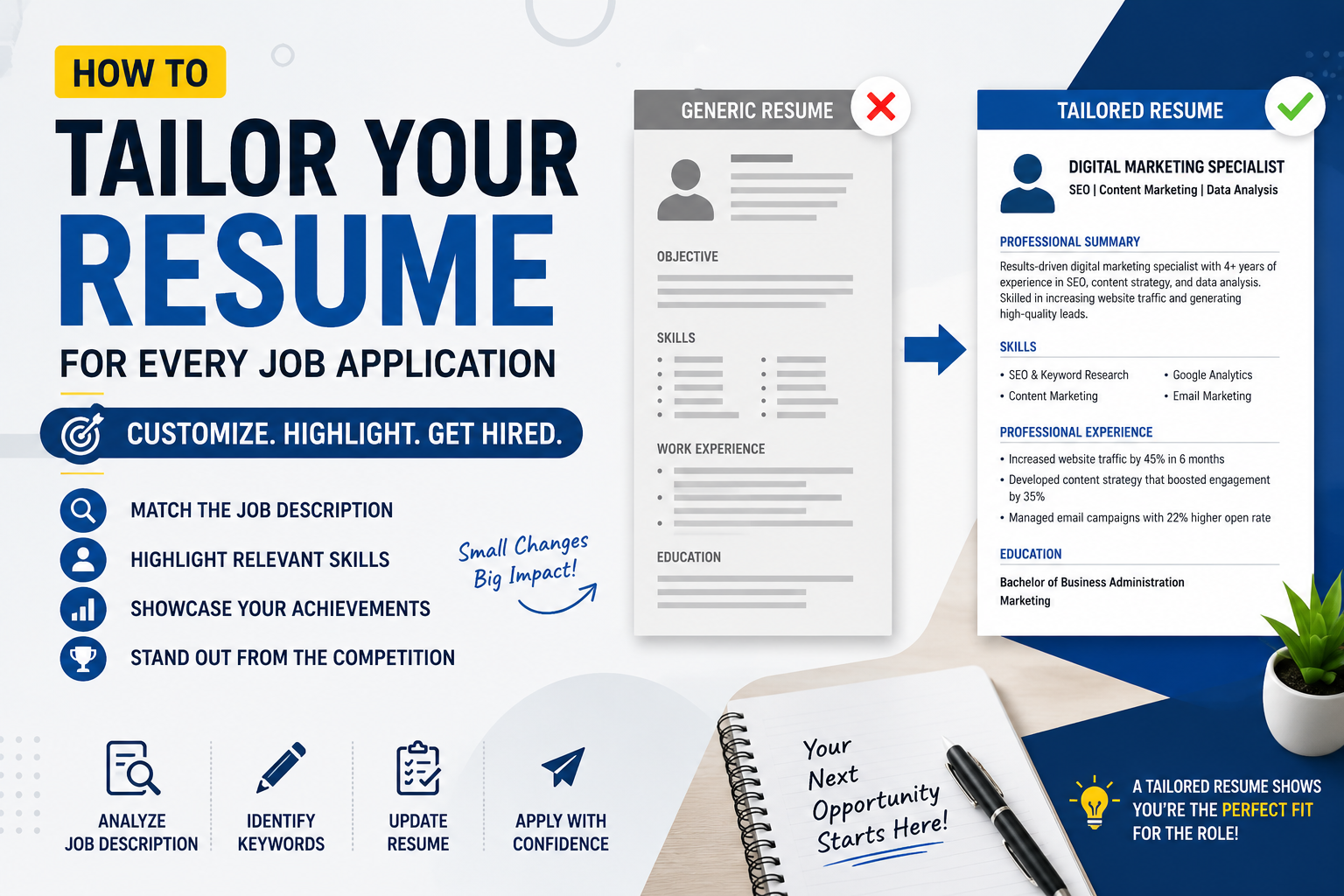
1. Using the Same Resume for Every Job
Many job seekers send the same resume to every employer.
This is one of the biggest mistakes you can make.
Different employers look for different skills and experiences.
Example
If you’re applying for a Digital Marketing role, highlight SEO, Google Analytics, and social media campaigns.
If you’re applying for a Content Writer position, emphasize writing experience, published articles, and editing skills.
Always tailor your resume to the job description.
2. Including Spelling and Grammar Mistakes
Simple mistakes can make recruiters question your professionalism.
Always proofread your resume before sending it.
Example
Instead of writing:
“Responsable for managing projects.”
Write:
“Responsible for managing projects.”
Reading your resume aloud or using grammar-checking tools can help identify errors.
3. Writing a Weak Professional Summary
Your summary should quickly explain who you are and what you bring to the role.
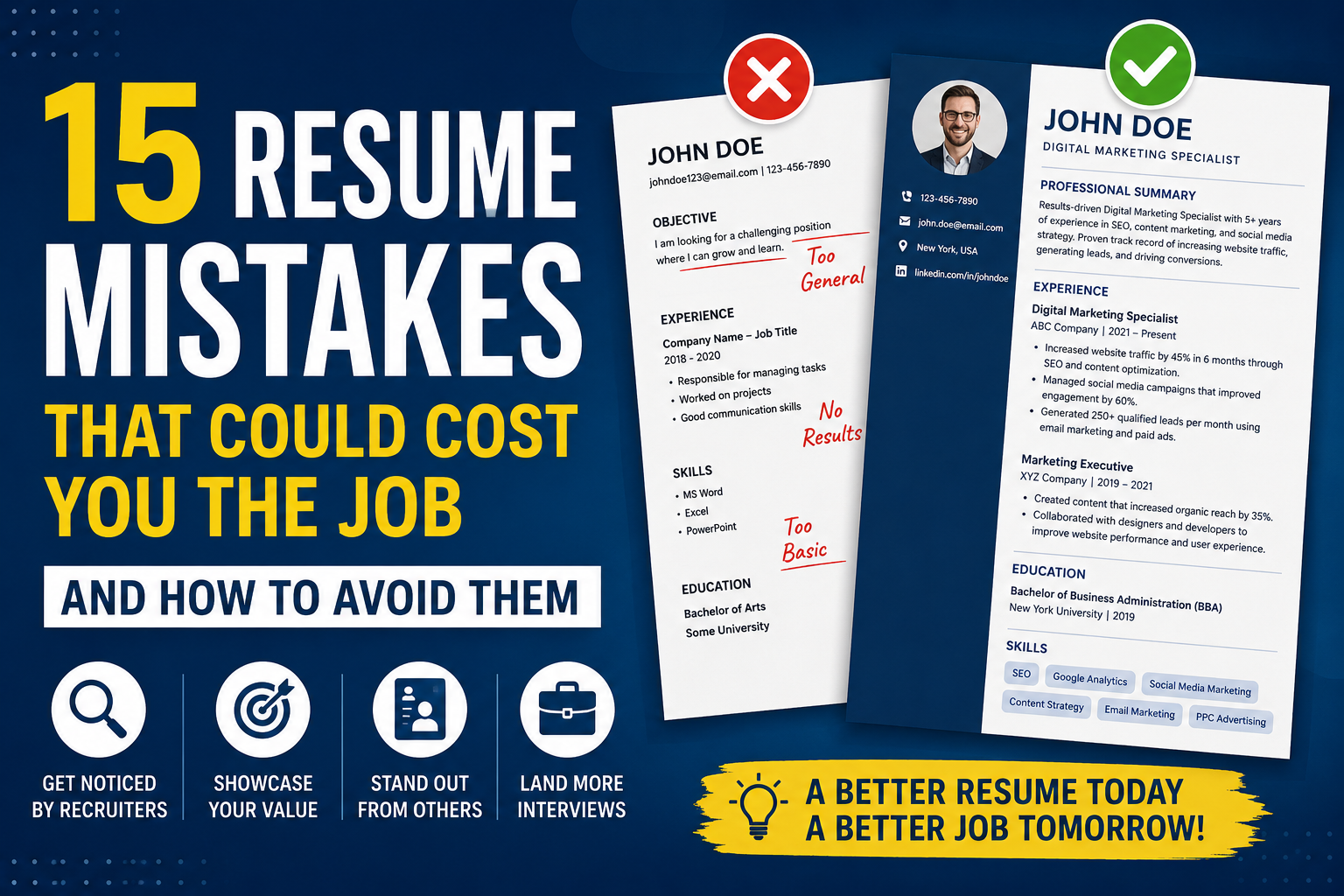
Avoid generic statements.
Poor Example
“I am looking for a challenging position where I can grow.”
Better Example
“Detail-oriented WordPress Developer with experience building responsive websites, improving website performance, and optimizing SEO.”
The second example immediately tells recruiters what you do.
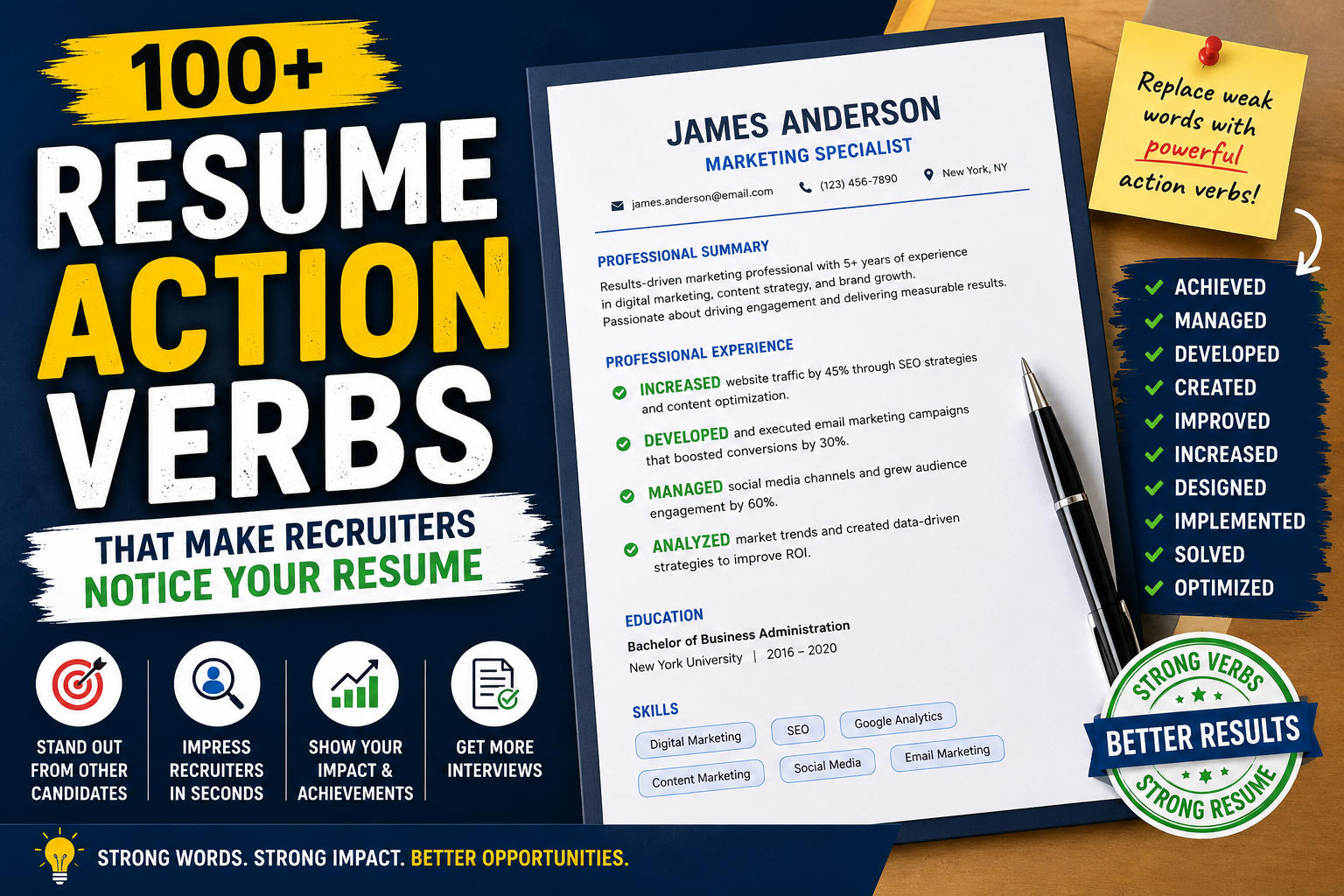
4. Listing Responsibilities Instead of Achievements
Employers want to know what you accomplished, not just what your job involved.
Poor Example
“Managed social media accounts.”
Better Example
“Increased Instagram engagement by 45% through content planning and audience analysis.”
Numbers make your achievements more convincing.
5. Making Your Resume Too Long
Recruiters don’t have time to read unnecessary information.
Most resumes should be:
- One page for freshers
- One to two pages for experienced professionals
Keep only relevant information.
6. Using an Unprofessional Email Address
Your email address should look professional.
Poor Example
Better Example
A simple email address creates a better impression.
7. Ignoring Keywords
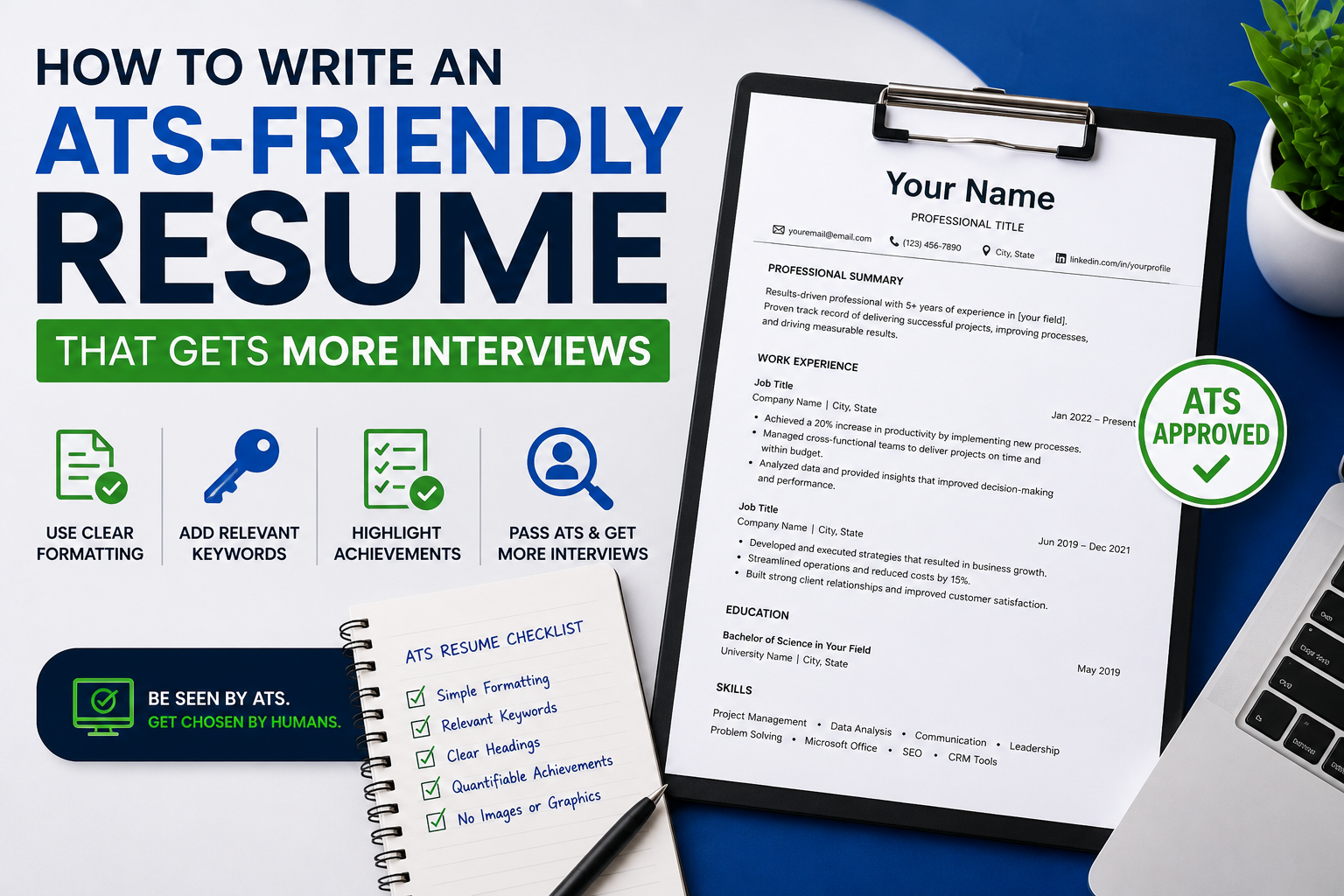
Many companies use Applicant Tracking Systems (ATS) to scan resumes.
Include keywords from the job description whenever they accurately reflect your experience.
Example
If the job description mentions:
- WordPress
- PHP
- SEO
- Project Management
Use these keywords naturally if you have those skills.
8. Adding Irrelevant Information
Not everything belongs on a resume.
Avoid including:
- Personal hobbies unrelated to the job
- Outdated skills
- Irrelevant work experience
- Personal information that employers don’t need
Keep the focus on your professional qualifications.
9. Poor Formatting
A cluttered resume is difficult to read.
Use:
- Clear headings
- Bullet points
- Consistent fonts
- Proper spacing
A clean layout improves readability for both recruiters and ATS software.
10. Forgetting Contact Information
Double-check that your contact details are correct.
Include:
- Full name
- Phone number
- Professional email address
- LinkedIn profile (if applicable)
- Portfolio or website (if relevant)
Example
Imagine getting selected for an interview but the recruiter can’t reach you because your phone number is incorrect.
Always verify your contact information before submitting your resume.
11. Using Too Many Graphics
Creative resumes may look attractive, but excessive graphics, icons, and charts can confuse ATS software.
Simple designs usually perform better.
12. Not Showing Results
Employers appreciate measurable achievements.
Instead of:
“Helped improve customer service.”
Write:
“Resolved an average of 40 customer inquiries daily while maintaining a 98% customer satisfaction rating.”
Results demonstrate impact.
13. Using Difficult-to-Read Fonts
Choose professional fonts such as:
- Calibri
- Arial
- Helvetica
- Georgia
Avoid decorative fonts that reduce readability.
14. Forgetting to Update Your Resume
Update your resume regularly.
Add:
- New projects
- Certifications
- Skills
- Promotions
- Awards
This saves time when new opportunities arise.
15. Sending Your Resume Without Reviewing It
Before applying, review your resume one final time.
Ask yourself:
- Is everything accurate?
- Is the formatting consistent?
- Have I tailored it for this job?
- Are there any spelling mistakes?
A final review can prevent simple errors from costing you an interview.
Resume Checklist Before You Apply
Before sending your resume, make sure you have:
✅ Tailored it for the job
✅ Checked spelling and grammar
✅ Included measurable achievements
✅ Used a professional email address
✅ Added relevant keywords
✅ Verified your contact information
✅ Saved it in the requested format
Final Thoughts
A strong resume doesn’t just list your qualifications—it tells employers why you’re the right person for the job.
Avoiding common resume mistakes can significantly improve your chances of getting noticed by recruiters and landing more interviews.
Take a few extra minutes to review your resume before every application. Those small improvements could make the difference between being overlooked and getting your next interview.
Frequently Asked Questions (FAQs)
1. What is the biggest mistake people make on a resume?
Using the same resume for every job application is one of the most common mistakes. Tailoring your resume to each role improves your chances of getting noticed.
2. How long should a resume be?
Freshers should generally keep their resume to one page, while experienced professionals can use one or two pages if needed.
3. Should I include every job I’ve had?
No. Include only work experience that is relevant to the position you’re applying for.
4. Is a professional summary important?
Yes. A well-written professional summary helps recruiters quickly understand your experience and key strengths.
5. Can spelling mistakes affect my chances of getting hired?
Absolutely. Even small spelling or grammar errors can create a negative impression and reduce your chances of being shortlisted.
6. What file format should I use for my resume?
Unless the employer requests otherwise, PDF is usually the safest format because it preserves your formatting across different devices.
7. How often should I update my resume?
Update it whenever you complete a major project, earn a certification, learn a new skill, or change jobs.
8. Should I use an ATS-friendly resume format?
Yes. A simple, well-structured resume with relevant keywords is easier for Applicant Tracking Systems and recruiters to read.