How to Use Google Gemini to Learn New Skills Faster
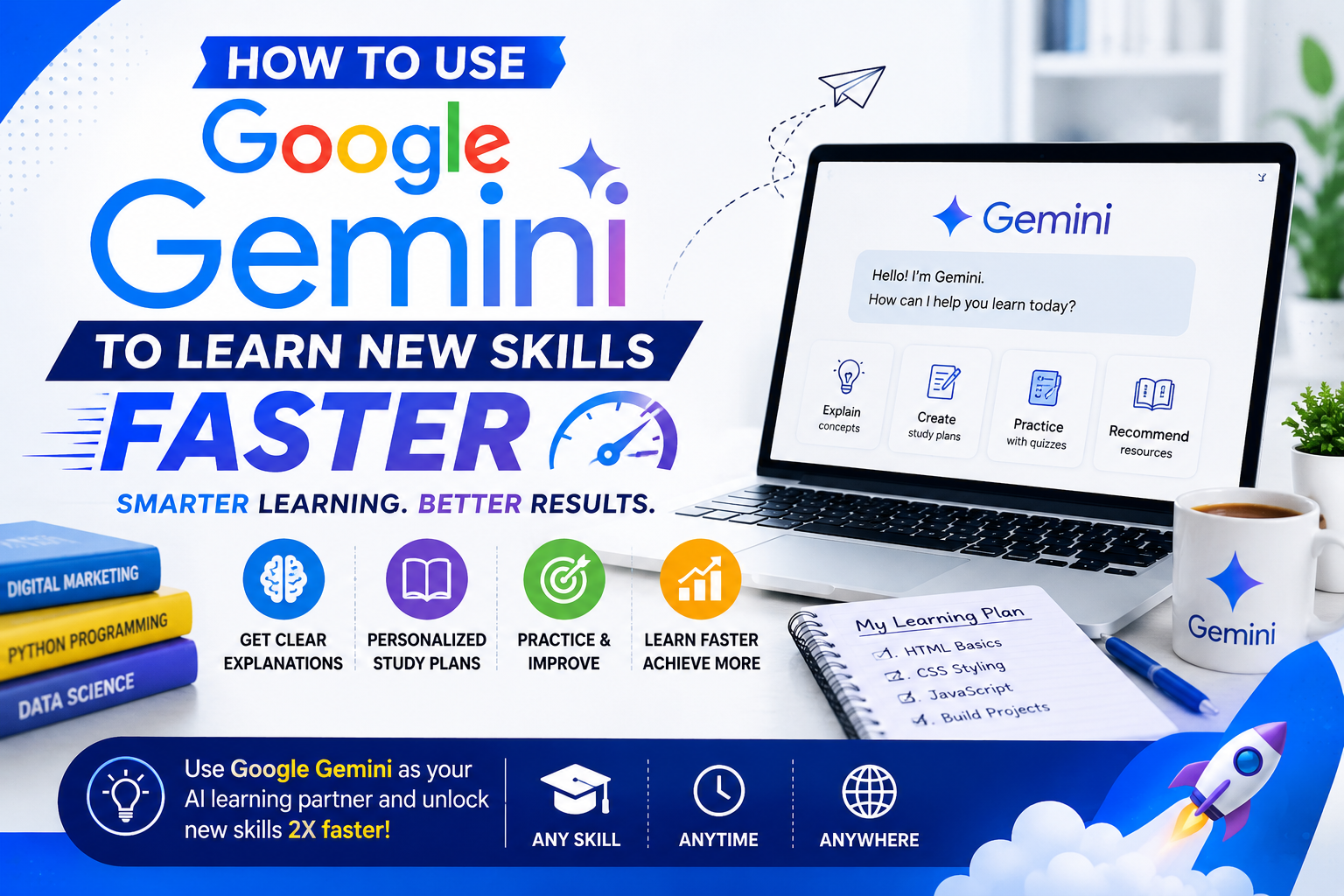
Artificial Intelligence (AI) is changing the way we learn. Instead of spending hours searching through websites, watching dozens of videos, or reading multiple books, AI tools can help you find answers, explain difficult concepts, and even create personalized learning plans.
Stay connected
Add us as a trusted source on Google
Get our latest guides, updates, and helpful resources surfaced more often when you search and browse.
One of the most popular AI tools available today is Google Gemini.
Whether you’re learning web development, improving your writing, preparing for job interviews, or building new workplace skills, Gemini can become your personal learning assistant.
In this guide, you’ll discover how to use Google Gemini effectively, practical examples for different careers, and tips to avoid common mistakes.
What Is Google Gemini?
Google Gemini is an AI assistant developed by Google that can answer questions, explain concepts, generate ideas, summarize information, and help you complete a wide range of tasks.
Instead of replacing learning, Gemini helps you learn faster by providing explanations, examples, and step-by-step guidance.
Example
Suppose you want to learn Microsoft Excel.
Instead of searching for dozens of tutorials, you can ask Gemini:
“Create a 30-day Excel learning plan for beginners.”
Within seconds, you’ll receive a structured roadmap covering formulas, charts, pivot tables, and practice exercises.
Why Should You Learn With Gemini?
Learning becomes easier when you have someone available to answer your questions at any time.
Gemini can help you:
- Understand complex topics
- Practice new skills
- Generate ideas
- Improve your writing
- Solve technical problems
- Prepare for interviews
- Learn at your own pace
Example
If you’re preparing for a job interview, ask:
“Act as an interviewer and ask me five common customer service interview questions.”
You can practice your answers and ask Gemini for feedback.
Skills You Can Learn Using Gemini
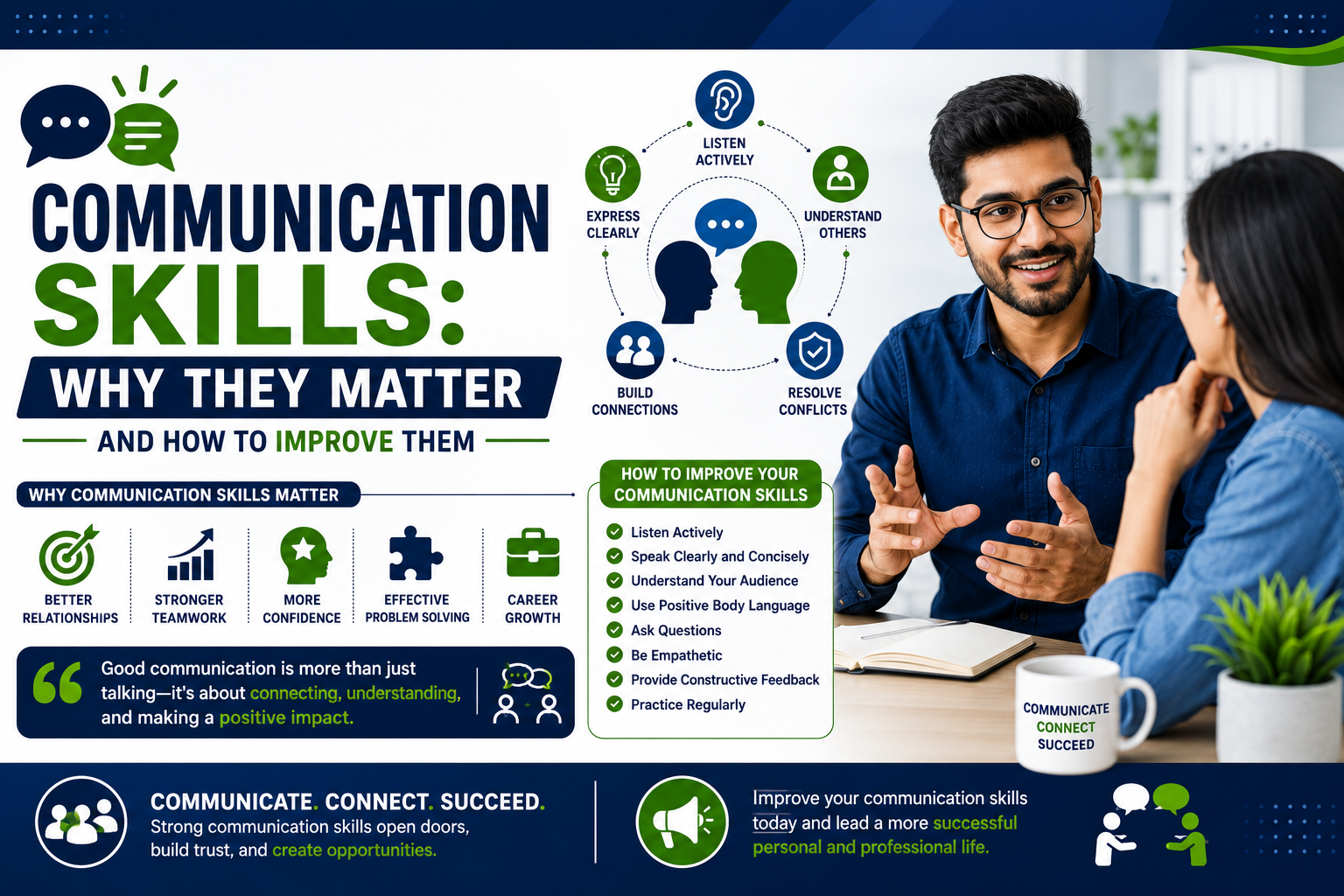
1. Communication Skills
Good communication is essential in almost every career.
Gemini can help you:
- Improve grammar
- Rewrite emails
- Practice presentations
- Write professional messages
- Improve vocabulary
Example
Prompt:
“Rewrite this email in a professional and friendly tone.”
You’ll quickly learn how professionals communicate in the workplace.
2. Resume Writing
Creating a resume can feel overwhelming, especially for beginners.
Gemini can help you:
- Write professional summaries
- Improve bullet points
- Suggest action verbs
- Optimize resumes for ATS
Example
Prompt:
“Improve this resume summary for a customer support position.”
Compare the original and improved versions to understand what makes a resume stronger.
3. Programming Skills
Gemini is useful for beginners learning programming.
It can explain:
- HTML
- CSS
- JavaScript
- Python
- SQL
- PHP
Example
Instead of copying code, ask:
“Explain how this JavaScript function works in simple English.”
Understanding the logic helps you become a better developer.
4. Writing Skills
Whether you’re creating blog posts, emails, or reports, Gemini can help improve your writing.
Example
Prompt:
“Suggest five better headlines for this article.”
You’ll learn how stronger headlines attract more readers.
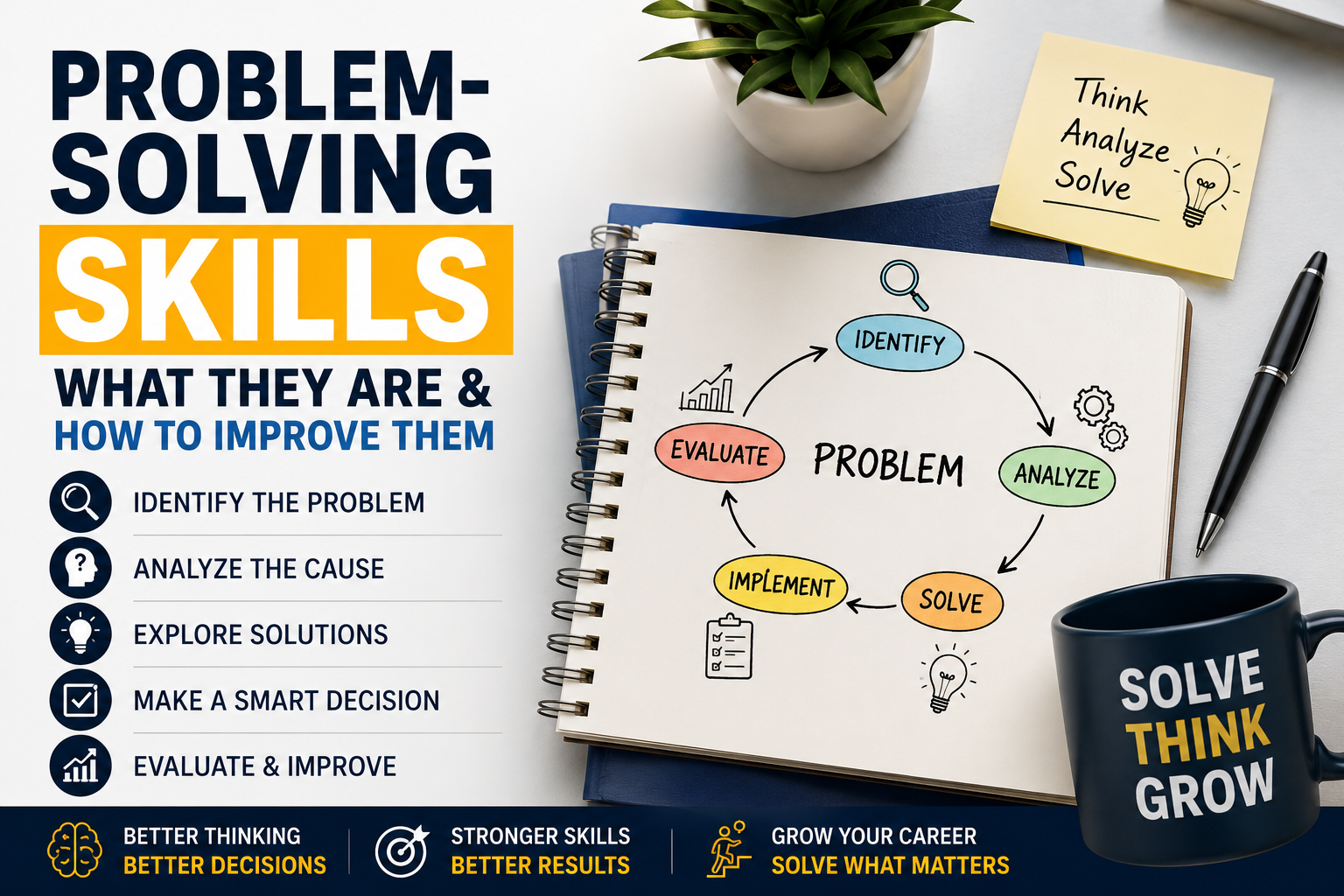
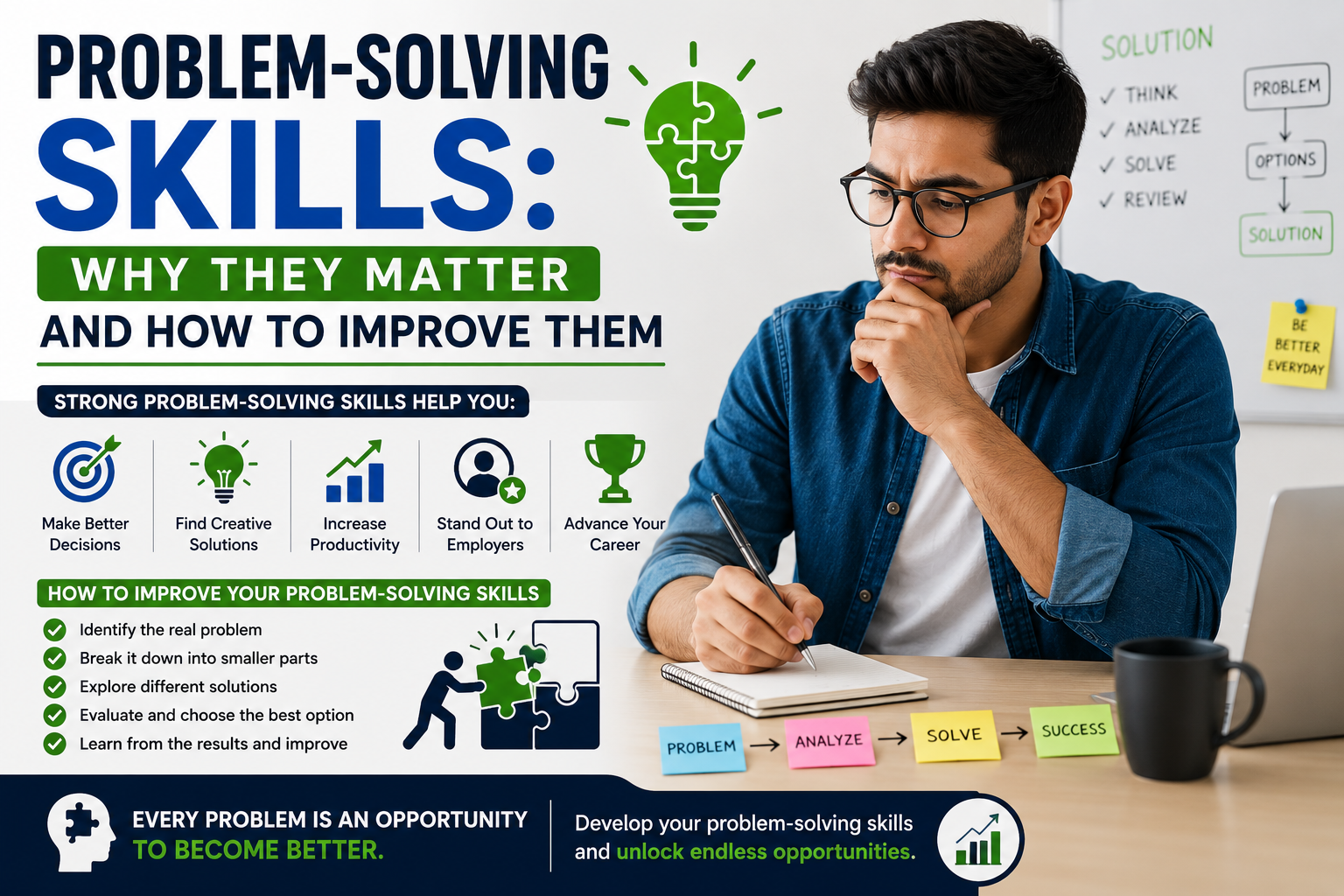
5. Problem-Solving Skills
Gemini can help you think through challenges by exploring different solutions.
Example
Imagine your website becomes slow.
Instead of asking:
“Fix my website.”
Ask:
“List five possible reasons why a WordPress website is loading slowly and explain how to test each one.”
This approach teaches you how to solve problems instead of simply providing an answer.
Best Prompts for Learning New Skills
The quality of your results depends on the quality of your prompts.
Here are some useful examples:
Learn a New Skill
“Create a beginner-friendly roadmap for learning digital marketing in 60 days.”
Practice Interviews
“Pretend you’re a hiring manager and conduct a mock interview for a software developer.”
Improve Writing
“Rewrite this paragraph using simple English.”
Learn Faster
“Explain cloud computing like I’m a beginner with no technical experience.”
Build Projects
“Suggest five beginner projects that will improve my Python programming skills.”
Common Mistakes to Avoid
Copying Everything Without Learning
Gemini should help you understand concepts, not replace your own thinking.
Better Approach
Read the explanation, try solving the problem yourself, and use Gemini to review your work.
Asking Very Short Questions
Questions like:
“Teach Python”
are too broad.
Instead ask:
“Teach Python variables with simple examples and practice exercises.”
The more specific your prompt, the better the response.
Never Practicing
Reading explanations isn’t enough.
Apply what you’ve learned by building projects, completing exercises, and solving real-world problems.
Example
If you’re learning Excel, create your own budget spreadsheet instead of only reading tutorials.
Practice turns knowledge into skill.
Tips to Get Better Results From Gemini
- Ask clear questions.
- Give context.
- Request step-by-step explanations.
- Ask for examples.
- Practice what you learn.
- Continue asking follow-up questions.
Think of Gemini as a tutor rather than a search engine.
Final Thoughts
Google Gemini has made learning more accessible than ever before. Whether you’re improving communication skills, learning programming, preparing for interviews, or building professional knowledge, it can help you learn more efficiently.
However, remember that AI is most valuable when combined with your own curiosity and practice. Use Gemini to understand concepts, explore ideas, and build confidence—but always apply what you learn through real projects and hands-on experience.
The professionals who succeed in the future won’t simply use AI tools—they’ll know how to learn with them.
Frequently Asked Questions (FAQs)
What is Google Gemini?
Google Gemini is an AI assistant developed by Google that helps users answer questions, learn new skills, generate ideas, and complete a variety of personal and professional tasks.
Can Google Gemini help me learn new skills?
Yes. Gemini can create learning roadmaps, explain complex topics, provide practice exercises, and answer questions across many subjects.
What skills can I learn using Gemini?
You can learn communication, programming, resume writing, digital marketing, writing, productivity, interview preparation, and many other professional skills.
Is Google Gemini suitable for beginners?
Yes. Beginners can ask Gemini to explain concepts in simple language and request step-by-step guidance with practical examples.
Can Gemini replace online courses?
No. Gemini is an excellent learning companion, but structured courses, books, mentors, and hands-on practice are still important for mastering a skill.
How can I write better prompts for Gemini?
Be specific, provide context, ask for examples, and request step-by-step explanations instead of asking broad questions.
Can professionals use Gemini at work?
Yes. Many professionals use Gemini to draft emails, summarize documents, brainstorm ideas, improve writing, and learn new technologies more efficiently.
What is the biggest mistake people make when using Gemini?
The biggest mistake is copying AI-generated answers without understanding them. The best results come from using Gemini to learn, practice, and improve your own skills.