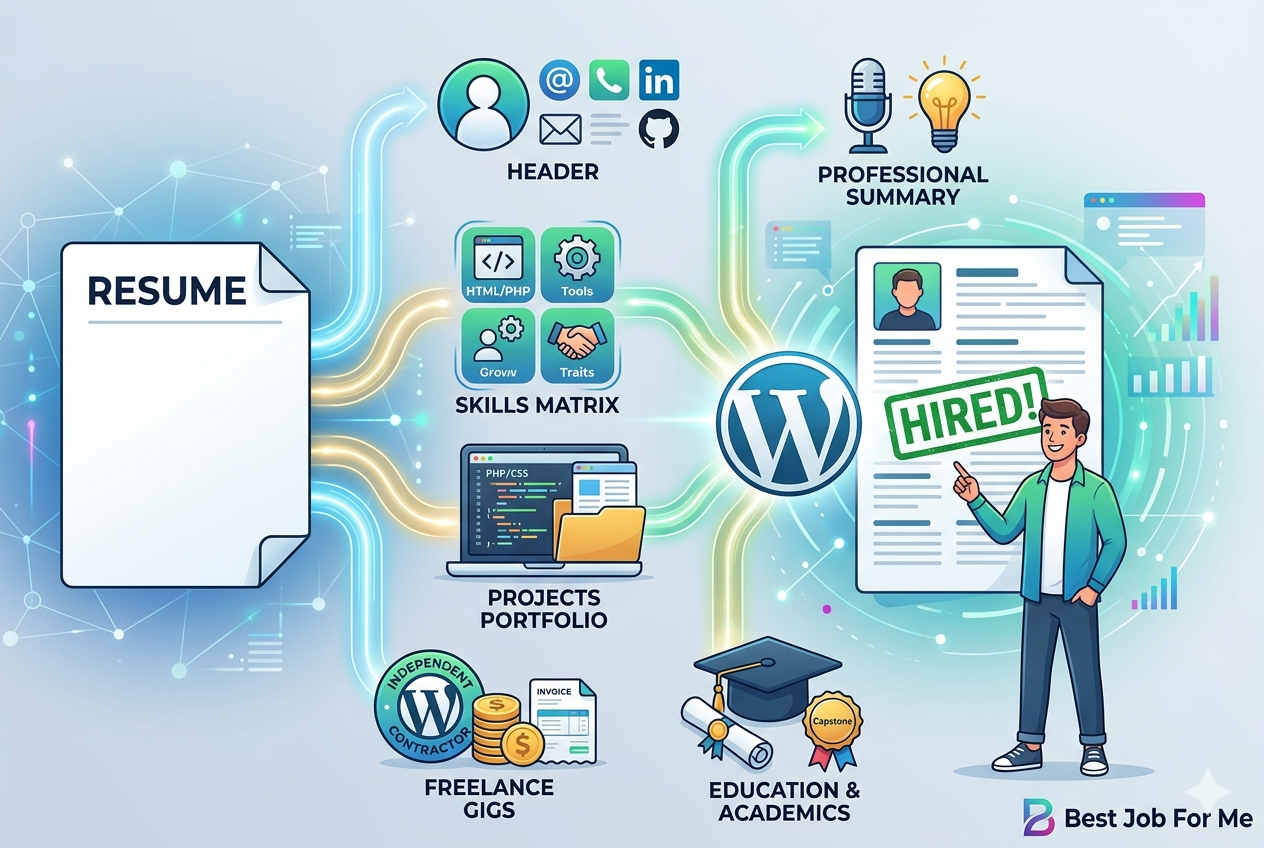
How to Tailor Your Resume for Every Job Application
Have you ever applied for dozens of jobs but received very few interview calls?
Stay connected
Add us as a trusted source on Google
Get our latest guides, updates, and helpful resources surfaced more often when you search and browse.
If your answer is yes, your resume could be one of the reasons.
One of the biggest mistakes job seekers make is sending the same resume to every employer. While this approach saves time, it often reduces your chances of getting noticed because every company is looking for different skills and experiences.
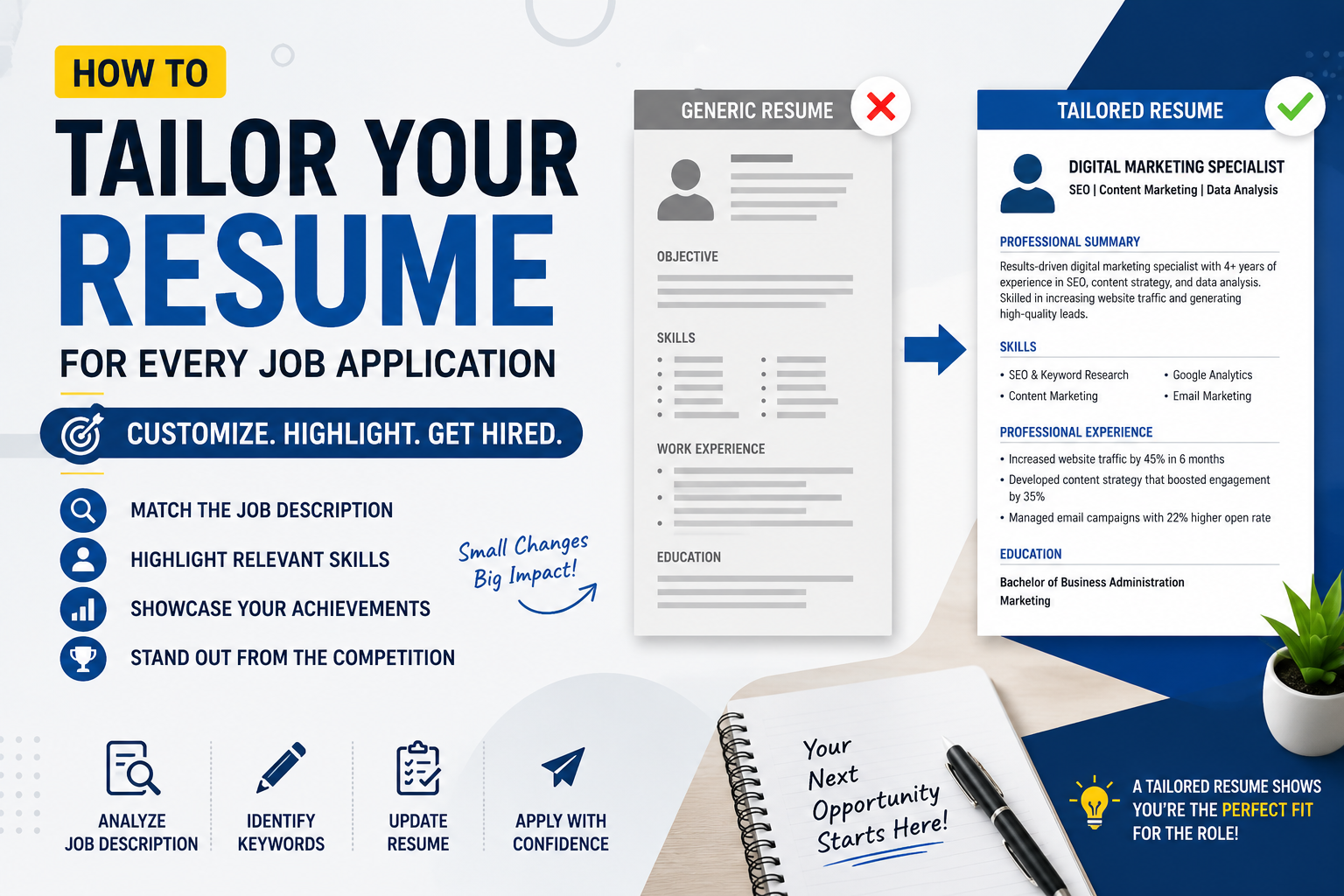
A tailored resume shows employers that you’ve taken the time to understand their requirements and demonstrates why you’re the right candidate for the role.
In this guide, you’ll learn how to tailor your resume effectively, see practical examples, and discover simple techniques that can improve your chances of getting shortlisted.
What Is a Tailored Resume?
A tailored resume is a resume that has been customized for a specific job opening.
Instead of listing every skill and responsibility you’ve ever had, you highlight the qualifications that are most relevant to the position you’re applying for.
This makes it easier for recruiters and Applicant Tracking Systems (ATS) to identify you as a suitable candidate.
Example
Imagine you’re applying for two different positions.
Job 1: WordPress Developer
Required skills:
- WordPress
- PHP
- WooCommerce
- Website Speed Optimization
Job 2: Digital Marketing Executive
Required skills:
- SEO
- Google Analytics
- Content Marketing
- Email Marketing
Although both jobs are in the digital industry, your resume should emphasize different skills for each role.
Related Reading: If you’re creating your first resume, read How to Write a Resume with No Experience.
Why Tailoring Your Resume Is Important
Recruiters often review resumes quickly before deciding whether to continue reading.
If your resume immediately demonstrates the skills they’re looking for, your chances of getting an interview improve significantly.
A tailored resume also performs better in Applicant Tracking Systems because it naturally includes keywords from the job description.
Example
A company is hiring a Customer Support Executive.
Resume A highlights:
- HTML
- CSS
- PHP
- JavaScript
Resume B highlights:
- Customer Communication
- CRM Software
- Problem Solving
- Complaint Resolution
Even if both candidates are talented, Resume B is much more relevant to the role.
Step 1: Read the Job Description Carefully
Before making any changes, read the job description from beginning to end.
Pay attention to:
- Required skills
- Responsibilities
- Software knowledge
- Certifications
- Experience level
Highlight words that appear several times because these are usually important keywords.
Example
If the job description repeatedly mentions:
- Project Management
- Microsoft Excel
- Data Analysis
Include these skills naturally in your resume if they accurately reflect your experience.
Step 2: Update Your Professional Summary
Your professional summary is one of the first things recruiters read.
Instead of writing a generic statement, explain why you’re suitable for the specific role.
Generic Summary
“Motivated individual seeking a challenging opportunity.”
Better Summary
“Detail-oriented Digital Marketing Specialist with experience in SEO, Google Analytics, content marketing, and email campaigns. Passionate about helping businesses grow their online presence.”
The second example immediately communicates value.
Step 3: Highlight the Right Skills
Don’t list every skill you have.
Instead, prioritize the skills that match the job description.
Example
For a Web Developer role:
- WordPress
- PHP
- HTML
- CSS
- JavaScript
For a Customer Support role:
- Communication
- CRM Software
- Conflict Resolution
- Time Management
Relevant skills make your resume more attractive to recruiters.
Related Reading: Learn how to optimize your resume for ATS by reading How to Write an ATS-Friendly Resume That Gets More Interviews.
Step 4: Focus on Achievements Instead of Responsibilities
Recruiters want to know the results you’ve achieved, not just the tasks you performed.
Poor Example
Managed company website.
Better Example
Managed the company website, improved page loading speed by 35%, and increased organic traffic through SEO improvements.
Numbers help employers understand your impact.
Step 5: Match Keywords Naturally
Many companies use ATS software to filter resumes before a recruiter sees them.
Including keywords from the job description can improve your chances of passing this initial screening.
Example
If the employer is looking for:
- Customer Service
- Microsoft Excel
- Team Collaboration
Use these terms naturally when describing your experience.
Avoid adding keywords you don’t actually possess.
Step 6: Keep Your Resume Clean and Professional
A well-organized resume is easier to read.
Use:
- Clear headings
- Bullet points
- Professional fonts
- Consistent spacing
Avoid:
- Excessive colors
- Graphics
- Tables
- Decorative fonts
Example
A simple one-column resume is often easier for both recruiters and ATS software to process than a heavily designed layout.
Step 7: Customize Every Application
Tailoring your resume doesn’t mean rewriting everything.
Often, updating these sections is enough:
- Professional Summary
- Skills
- Keywords
- Achievements
- Project Highlights
Example
If you’re applying for a Remote Customer Support role, emphasize communication, problem-solving, and remote collaboration experience.
If you’re applying for a WordPress Developer role, highlight technical projects and website optimization work instead.
Common Resume Mistakes to Avoid
Using the Same Resume Everywhere
Different jobs require different skills.
Customize your resume before every application.
Ignoring ATS Keywords
Many qualified candidates are rejected simply because their resumes don’t include relevant keywords.
Listing Duties Instead of Results
Achievements are much more convincing than job descriptions.
Not Proofreading
Grammar and spelling mistakes can create a poor first impression.
Read your resume carefully before sending it.
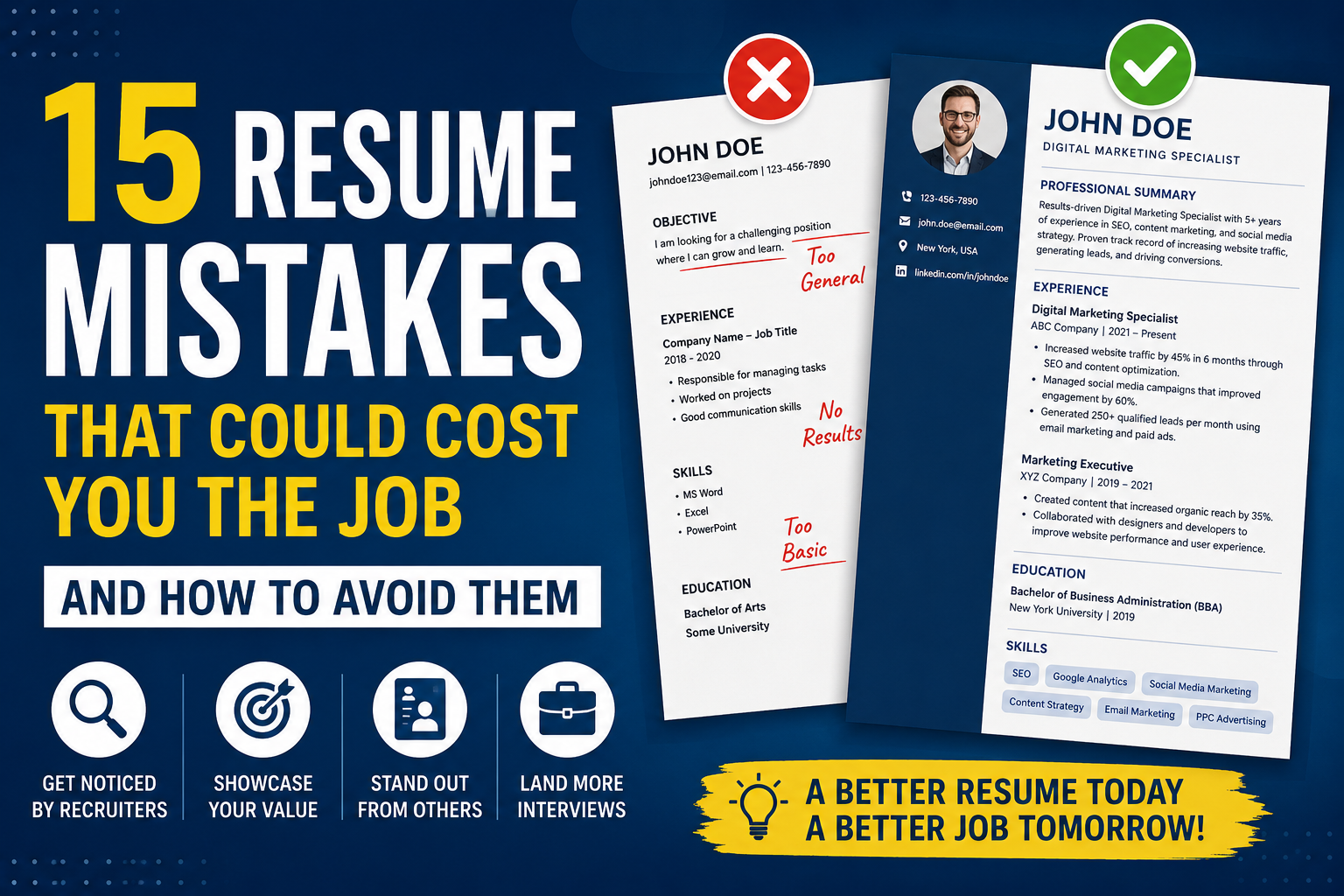
Related Reading: Avoid common errors by reading 15 Resume Mistakes That Could Cost You the Job (And How to Avoid Them).
Resume Tailoring Checklist
Before applying, ask yourself:
✅ Does my professional summary match the job?
✅ Have I included relevant keywords?
✅ Are my achievements measurable?
✅ Have I highlighted the most important skills?
✅ Is my formatting clean?
✅ Have I checked spelling and grammar?
If you answered “Yes” to each question, your resume is ready to submit.
Final Thoughts
Tailoring your resume takes only a few extra minutes, but those minutes can significantly improve your chances of getting interviews.
Think of your resume as a marketing document rather than a list of previous jobs. Every section should demonstrate how your skills solve the employer’s problems.
Combine a tailored resume with strong interview preparation and continuous skill development to improve your job search success.
Continue Learning:
- How to Write a Resume with No Experience
- How to Write an ATS-Friendly Resume That Gets More Interviews
- 15 Resume Mistakes That Could Cost You the Job
- How to Answer “Tell Me About Yourself” in an Interview
- How to Answer “Why Should We Hire You?” in an Interview
For additional resume advice, you can also explore resources from the LinkedIn Career Help Center and the Indeed Career Guide, both of which provide practical guidance on resume writing and job applications.
Frequently Asked Questions (FAQs)
1. What does it mean to tailor a resume?
Tailoring a resume means customizing it to match the requirements of a specific job by updating your summary, skills, keywords, and achievements.
2. Why should I tailor my resume for every job?
A tailored resume helps recruiters quickly see that you’re a good fit for the role and improves your chances of passing Applicant Tracking Systems (ATS).
3. Do I need a different resume for every application?
Not completely. You can keep the same basic resume and update the sections that are most relevant to the job.
4. How do I find the right keywords?
Read the job description carefully and identify the skills, tools, and qualifications that appear multiple times.
5. Can tailoring my resume really increase interview calls?
Yes. A resume that closely matches the employer’s requirements is more likely to attract attention from both recruiters and ATS software.
6. Should I include all my work experience?
Include experience that is relevant to the position. Older or unrelated jobs can usually be summarized briefly unless they add value.
7. Is an ATS-friendly resume important?
Absolutely. Many employers use ATS software to organize and screen applications before a recruiter reviews them.
8. How often should I update my resume?
Update your resume whenever you gain a new skill, complete an important project, earn a certification, or apply for a different type of job.